
Digital creators use Kling AI for cinematic clips with convincing subject motion and camera movement. It is especially useful for animating a reference image, though polished results usually take several generations.
Viggle AI
AI character animation from reference motion
Overview
What is Viggle AI?
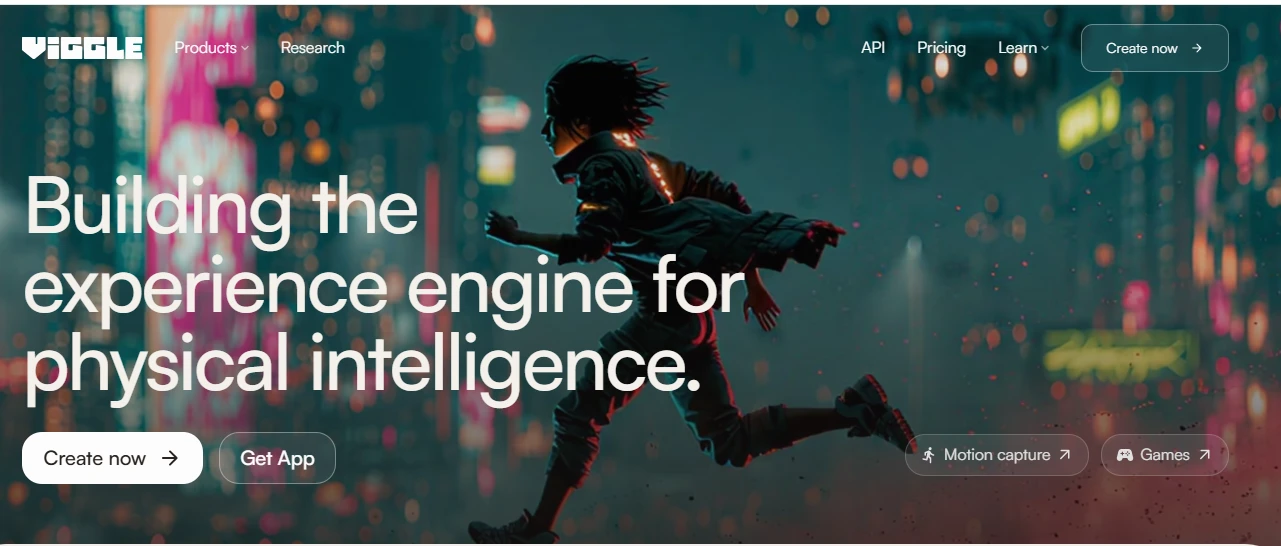
Short-form creators use Viggle AI to turn character images into dance clips, memes, and animated scenes guided by recorded movement.
Where Viggle fits
Viggle is built around motion transfer rather than open-ended filmmaking. Give it a clear character image, then select a motion template or upload a driving clip; it generates a new shot with that character performing the movement. This makes it especially useful for dance memes, reaction clips, mascot content, and quick visual experiments. The result is easier to direct than a text-only video prompt, though source quality matters. Full-body images with visible limbs usually hold together better than cropped, cluttered, or heavily stylized inputs.
Credits, speed, and output
A free account provides limited generation credits and is practical for testing the workflow. Paid subscriptions add a larger credit allowance and faster processing; exact consumption varies by generation type and settings, so repeated attempts can use the allowance quickly. Viggle is still a generation tool, not a full editing timeline. Expect to finish captions, audio, cuts, and color elsewhere.
- Best for: short character-led clips with recognizable motion.
- Watch for: identity drift, warped hands, and flicker in difficult frames.
- Workflow: upload, choose motion, generate, then refine or export.
The honest read
Highlights & limitations
What stands out
- Reference footage gives movement more direction than relying on text prompts alone.
- Motion templates make familiar dance and meme formats quick to test.
- Character insertion can produce usable social clips without rigging a 3D model.
Worth knowing
- Fast movement, occlusion, and unusual poses can cause warped limbs or identity drift.
- Free generations may face slower processing, while retries can consume paid credits quickly.
- Shot-level control is limited compared with traditional animation or timeline-based video editors.
See it in action
Viggle AI in pictures
Product
screenshot
Considering a switch?
Viggle AI’s alternatives
Short-form creators and ad teams reach for Higgsfield to turn polished stills and prompts into dramatic, highly stylized video shots.
When a concept needs visuals before there is time to design them manually, Dreamina turns prompts and reference images into polished artwork, social graphics and short clips.
No reviews for Viggle AI yet.
Used it? Share your experience — it helps the next person decide.
Used it? Share your experience — it helps the next person decide.