
HeyGen produces camera-ready business videos through a browser workflow that is especially effective for localization and presenter content.
Generative video from prompts and still images
AI Image Generator
AI Video Generator
Digital Creators
Influencers
Designers
Marketers
Social Media Managers
Overview
What is Kling AI?
Digital creators use Kling AI for cinematic clips with convincing subject motion and camera movement. It is especially useful for animating a reference image, though polished results usually take several generations.
Where Kling earns its credits
Kling is strongest when a shot has one clear subject, a defined action and an explicit camera instruction. Its clips can preserve the look of an uploaded frame while adding believable movement, depth and parallax. Text-only generations are useful for concept shots, but image-to-video gives more predictable composition and character appearance.
The workspace is aimed at short ads, music visuals, storyboards and social posts. Generation happens shot by shot rather than on a full editing timeline, so scene assembly, audio mixing and exact frame-level fixes still require another app.
What the credit system changes
A free allowance provides a practical model test, while subscriptions add monthly credits, faster processing and access to higher-end modes. Each attempt uses credits based on the chosen model, duration and settings. Complex prompts often need reruns, making the effective cost of one usable clip hard to predict. Free jobs can sit in a long queue, and paid processing may also slow at busy times. Expect occasional warped anatomy, drifting faces or actions that stop short of the instruction. Review current plan terms before client work, particularly credit expiry and commercial-use conditions.
The honest read
Highlights & limitations
What stands out
- Image-to-video often retains the source frame's composition and visual identity well.
- Convincing motion and cinematic camera behavior.
- Start and end frames provide useful direction for transitions that prompts alone struggle to describe.
Worth knowing
- Generation queues can become painfully slow, especially on free accounts.
- Credits disappear quickly when a difficult shot needs repeated attempts.
- Faces, hands and multi-character interactions can drift or deform between frames.
See it in action
Kling AI in pictures
Video overview
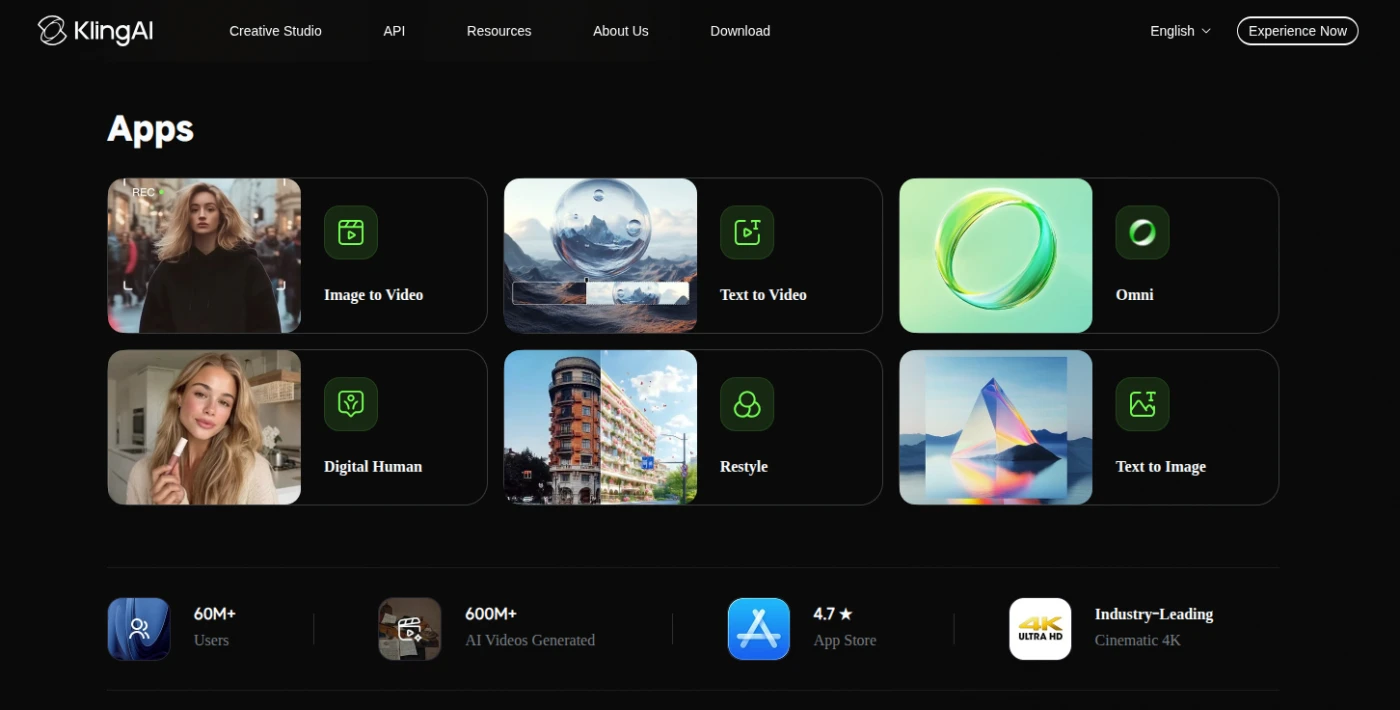
Product
screenshot
Considering a switch?
Kling AI’s alternatives
Filter
Lisa Brennan
Very good results....MOST of the time but not ALL.
This is a really good app for creating a video from a single photo or artwork. It doesn't get it right ALL the time but mostly it does a very good job. I would have given it 5 stars but my main complaint is you have to pay for the generation before you download it so, if the results aren't what you asked for you have to try again for another 180 credits. Surely they could change this?
4 · Ease of use
4 · Features
3 · Value for money
2 · Customer service