

For turning phone shots into polished posts without learning complex desktop software, Picsart offers quick edits, templates, cutouts, effects, and generative AI in one approachable workspace.
AI Ease
Browser-based AI photo editing toolkit
AI Photo Editor
AI Background Remover
AI Headshot Generator
Digital Creators
Influencers
Marketers
Social Media Managers
E-Commerce Sellers
Overview
What is AI Ease?
AI Ease handles quick image cleanup, portrait generation, and social-ready visual edits without requiring desktop software.
Best for quick, single-purpose edits
AI Ease groups many small image jobs into a straightforward web workspace. Upload a photo, choose a tool, and download the result with little setup. Automatic processing works well for marketplace images, profile pictures, passport-style photos, and casual social posts. The strongest results come from clear, well-lit source files. Hair, transparent objects, crowded scenes, and low-resolution faces can expose rough edges or produce an overprocessed look. Most tools favor speed over manual control, so this is not a replacement for a layered editor when exact masking, typography, or color work matters.
Free access and usage limits
Many basic edits can be tested at no cost, while subscriptions or credits cover heavier generation and higher usage. The exact allowance depends on the tool, which makes ongoing costs less predictable than a single unlimited editor.
- Good fit: product listings, avatars, profile photos, and quick cleanup.
- Less suitable: detailed compositing or repeatable brand production.
- Before publishing: inspect faces, fingers, text, and object boundaries closely.
The honest read
Highlights & limitations
What stands out
- Fast results for routine one-click photo fixes
- Broad collection of portrait, cleanup, and product-image tools
- Simple enough to use without editing experience
- Useful free access for testing occasional jobs
Worth knowing
- Fine hair and complex edges can look uneven
- Generated portraits may alter facial identity or skin texture
- Credit requirements vary between tools and are hard to forecast
- Few manual controls for correcting a weak automatic result
- Uploading sensitive portraits to a web service may not suit every workflow
See it in action
AI Ease in pictures
Video overview
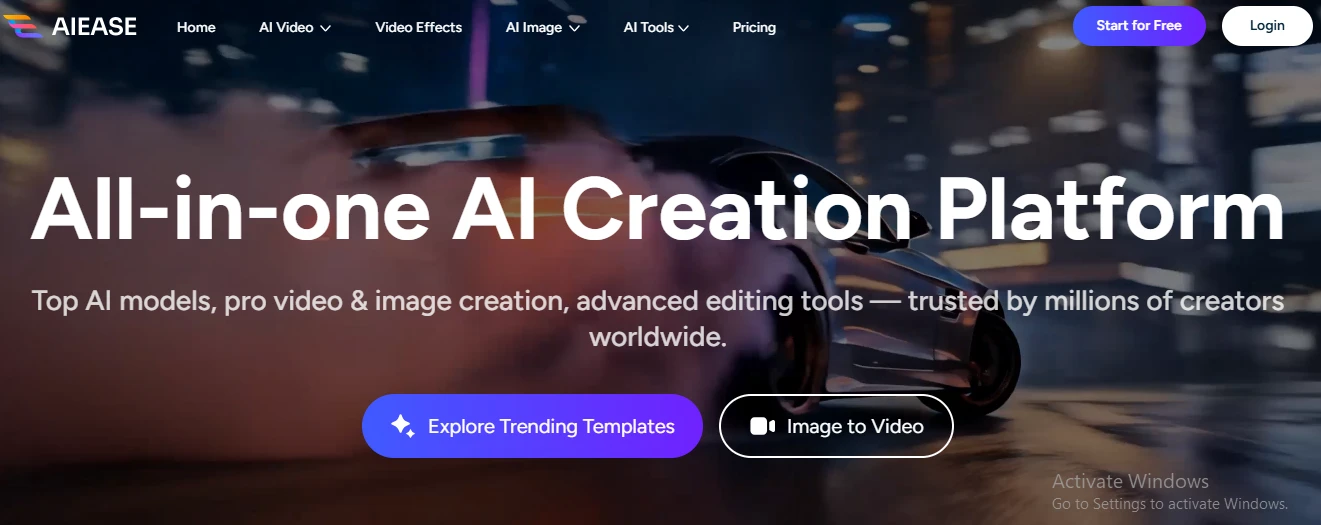
Product
screenshot
Considering a switch?
AI Ease’s alternatives

Designers, marketers, and casual creators reach for Pixlr when they need to edit an image without installing desktop software. It is particularly good for quick social graphics, product-photo cleanup, and lightweight layered compositions.

Cutting subjects out of product photos takes seconds with Slazzer, particularly when the foreground is clearly separated from its surroundings.
No reviews for AI Ease yet.
Used it? Share your experience — it helps the next person decide.
Used it? Share your experience — it helps the next person decide.