
Uizard IO
AI interface design and prototyping workspace
What is Uizard IO?
Founders, product managers, and designers use Uizard to turn rough product ideas into testable screen flows quickly. It is especially useful when a concept needs to become visible before a full design process begins.
What it replaces in early design
Uizard fits the stage between an idea and a polished design file. Its canvas prioritizes quick arrangement over exhaustive control, making it practical for product discussions and workshop output. It is less convincing as the final source of truth for a mature design system, where exact component behavior, responsive rules, and developer handoff matter more.
Getting useful AI output
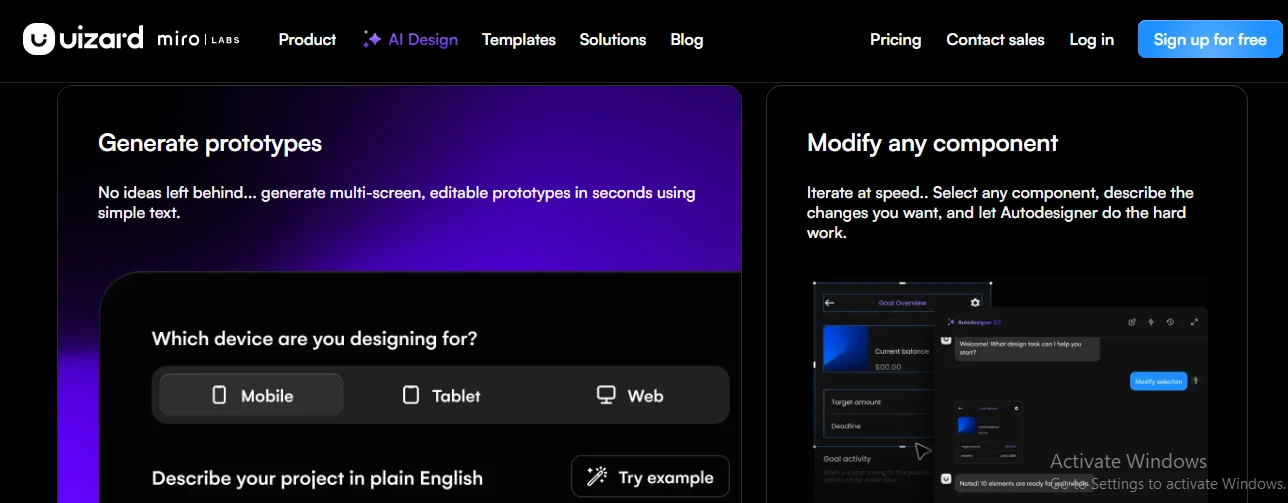
Autodesigner can create a connected set of screens from a written brief, but the first pass is best treated as structure to react to rather than an approved visual direction. The workflow is particularly helpful for:
- Testing navigation before engineering begins
- Giving workshop ideas a concrete shape
- Comparing several interface directions quickly
Plans, seats, and allowances
| Plan | Positioning |
|---|---|
| Free | Limited projects and AI generations |
| Pro | From $12 per creator monthly, billed annually |
| Business | Higher allowances and team features |
| Enterprise | Custom terms and support |
Paid access is organized around creator seats. Upgrading increases project capacity, AI usage, and collaboration options; the free tier is better suited to evaluating the workflow than sustained product work.
Highlights & limitations
- Shallow learning curve for teammates who find Figma intimidating
- AI drafts remain editable instead of arriving as flattened images
- Live co-editing suits quick workshops and remote product sessions
- Useful template coverage for common web and mobile patterns
- Shareable previews make stakeholder feedback easy to collect
- Visual styling and spacing can drift between AI-generated screens
- Component and responsive-layout control trails dedicated UI design tools
- AI quotas are easy to burn through during repeated prompt experiments
- No production code export; implementation remains a separate step
- Complex projects become harder to organize than focused prototypes
Uizard IO in pictures
Used it? Share your experience — it helps the next person decide.