
Plus AI
AI presentation creation inside Slides and PowerPoint
What is Plus AI?
Consultants, sales teams, and marketers reach for Plus AI when they need a workable first draft of a presentation without leaving their usual slide editor.
How it fits into slide work
Plus AI runs as an add-on for Google Slides and Microsoft PowerPoint, so generated material lands in an editable deck rather than a separate design canvas. You can begin with a prompt, paste source text, or provide a document, then choose an outline before the slides are built. This makes it practical for proposals, reports, sales presentations, and internal updates where the structure matters more than decorative effects.
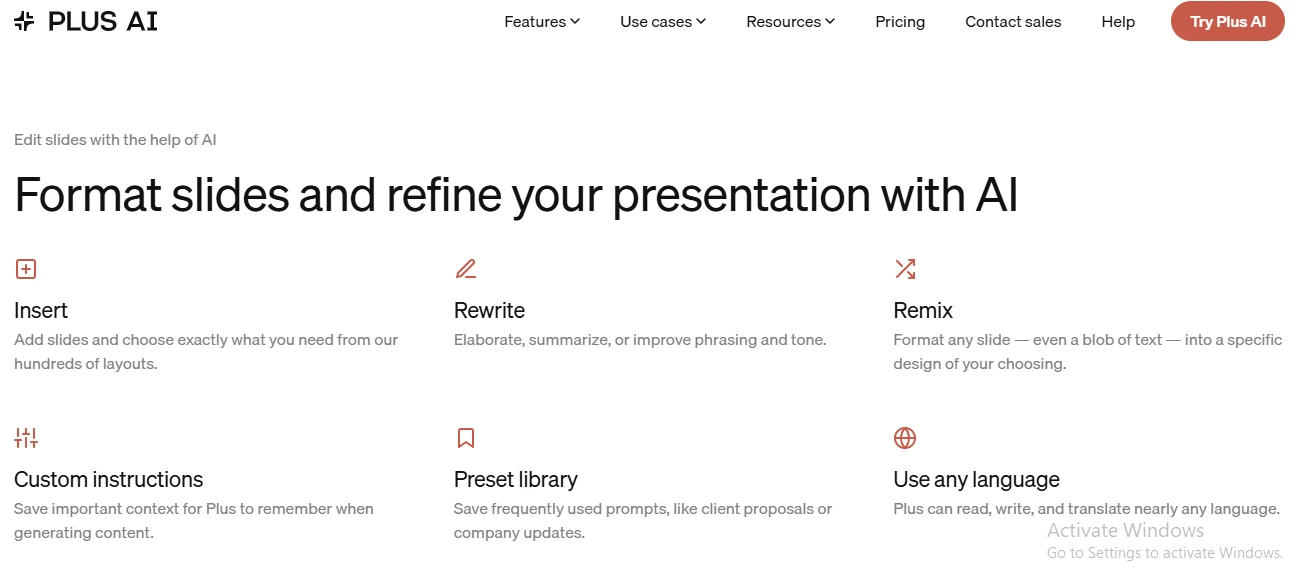
- Editing: Rewrite text, shorten content, or change tone on an existing slide.
- Layouts: Reformat selected slides without rebuilding the whole deck.
- Branding: Apply custom themes and company templates on supported plans.
What the first draft requires
The generated outline is usually the strongest part. It gives a blank presentation a sensible narrative quickly, and every element remains editable with familiar slide controls. Visual choices can feel generic, however, and dense source material may be reduced too aggressively. Expect to verify claims, tighten wording, replace some imagery, and fix occasional spacing issues. Plus AI is therefore better as a drafting assistant than a finished-presentation button. Access is subscription-based after the trial, with higher tiers aimed at heavier use and shared brand assets.
Highlights & limitations
- Strong outlines from short briefs or long source material
- Familiar editing controls after generation
- Useful for refreshing existing decks, not just creating new ones
- Generated visuals often need replacing
- Dense content can produce crowded or oversimplified slides
- AI-written claims and figures still require careful checking
- Subscription cost is harder to justify for occasional presentations
Plus AI in pictures
Used it? Share your experience — it helps the next person decide.